Using it from Maven
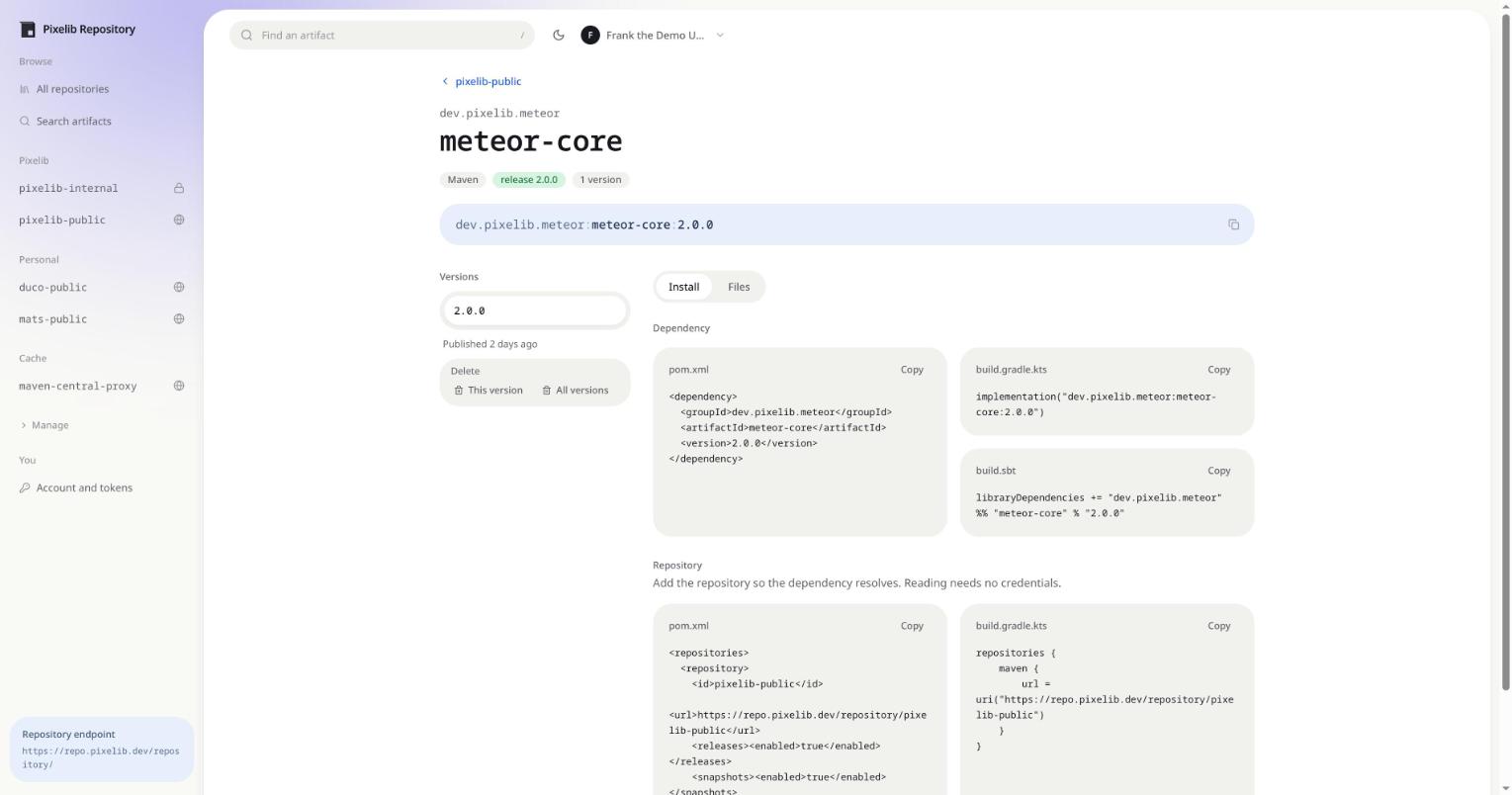
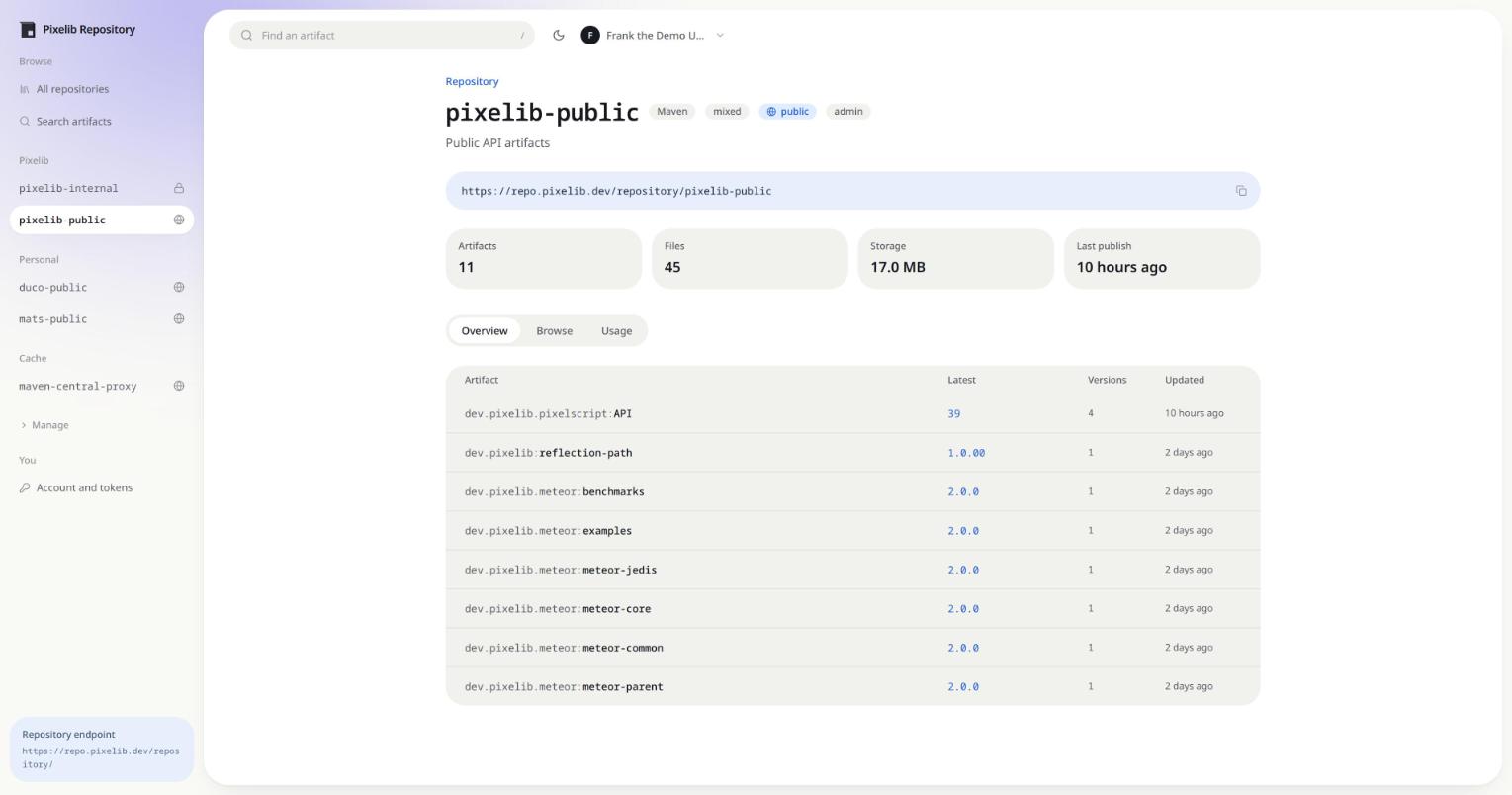
Every repository page has a Usage tab with these snippets already filled in for that repository, so the fastest route is to open the repository in the UI and copy from there.
Resolving
Add the repository to the project. Reading a public repository needs no credentials.
<repositories>
  <repository>
    <id>pixelib-public</id>
    <url>https://repo.example.com/repository/pixelib-public</url>
    <releases><enabled>true</enabled></releases>
    <snapshots><enabled>true</enabled></snapshots>
  </repository>
</repositories>
Gradle:
repositories {
    maven {
        url = uri("https://repo.example.com/repository/pixelib-public")
    }
}
Authenticating
Create an API token under Account, then put it in ~/.m2/settings.xml. The token is the password
and your email is the username.
<servers>
  <server>
    <id>pixelib-public</id>
    <username>you@example.com</username>
    <password>cnx_...</password>
  </server>
</servers>
Prefer API tokens over account passwords. A token is verified with a single hash, while a password runs PBKDF2 on every request, and a build makes a lot of requests.
For Gradle, keep the credentials out of the build file:
repositories {
    maven {
        url = uri("https://repo.example.com/repository/pixelib-public")
        credentials {
            username = providers.gradleProperty("repoUser").get()
            password = providers.gradleProperty("repoToken").get()
        }
    }
}
Publishing
<distributionManagement>
  <repository>
    <id>maven-releases</id>
    <url>https://repo.example.com/repository/maven-releases</url>
  </repository>
  <snapshotRepository>
    <id>maven-snapshots</id>
    <url>https://repo.example.com/repository/maven-snapshots</url>
  </snapshotRepository>
</distributionManagement>
A release repository refuses to overwrite an existing version unless allowRedeploy is set on it.
Snapshot repositories accept redeployment by default.
Pulling the latest jar without credentials
A build that resolves through Maven does not need this, but something that only wants one file often does: an installer, a server that pulls its own plugins, a job with no credentials to give. The direct URL is no good on its own, because the version is in the filename and so the URL breaks with every release.
https://repo.example.com/repository/pixelib-internal/dev/pixelib/pixelscript/pixelscript-paper/39/pixelscript-paper-39.jar
An administrator can create a deployment link for the artifact, which resolves the version on every request and needs no authentication even when the repository is private:
curl -L -O https://repo.example.com/download/pixelscript-paper-latest
The response carries the version it resolved to, so a script can tell whether anything moved without downloading the file twice:
curl -sI https://repo.example.com/download/pixelscript-paper-latest | grep -i x-arca-version
# X-Arca-Version: 39
The file is served under its published name unless the link sets one. Set Download as on the link when whatever consumes it wants a stable filename.
Renamed repositories
If a repository has been renamed, its old URL answers with a redirect rather than a 404. Maven and
Gradle both follow it, so a build keeps resolving until you update the URL. Update it anyway: the
old name stops redirecting the moment another repository claims it.
Metadata and checksums
maven-metadata.xml is generated from the database at both the artifact and the snapshot version
level, so it always matches what is stored. A client uploaded maven-metadata.xml is accepted and
discarded for the same reason.
Checksum files uploaded alongside an artifact are verified against the digests computed on the way
in, then discarded. A .md5, .sha1, .sha256 or .sha512 request is answered from those stored
digests, so checksums exist even for artifacts published without them.